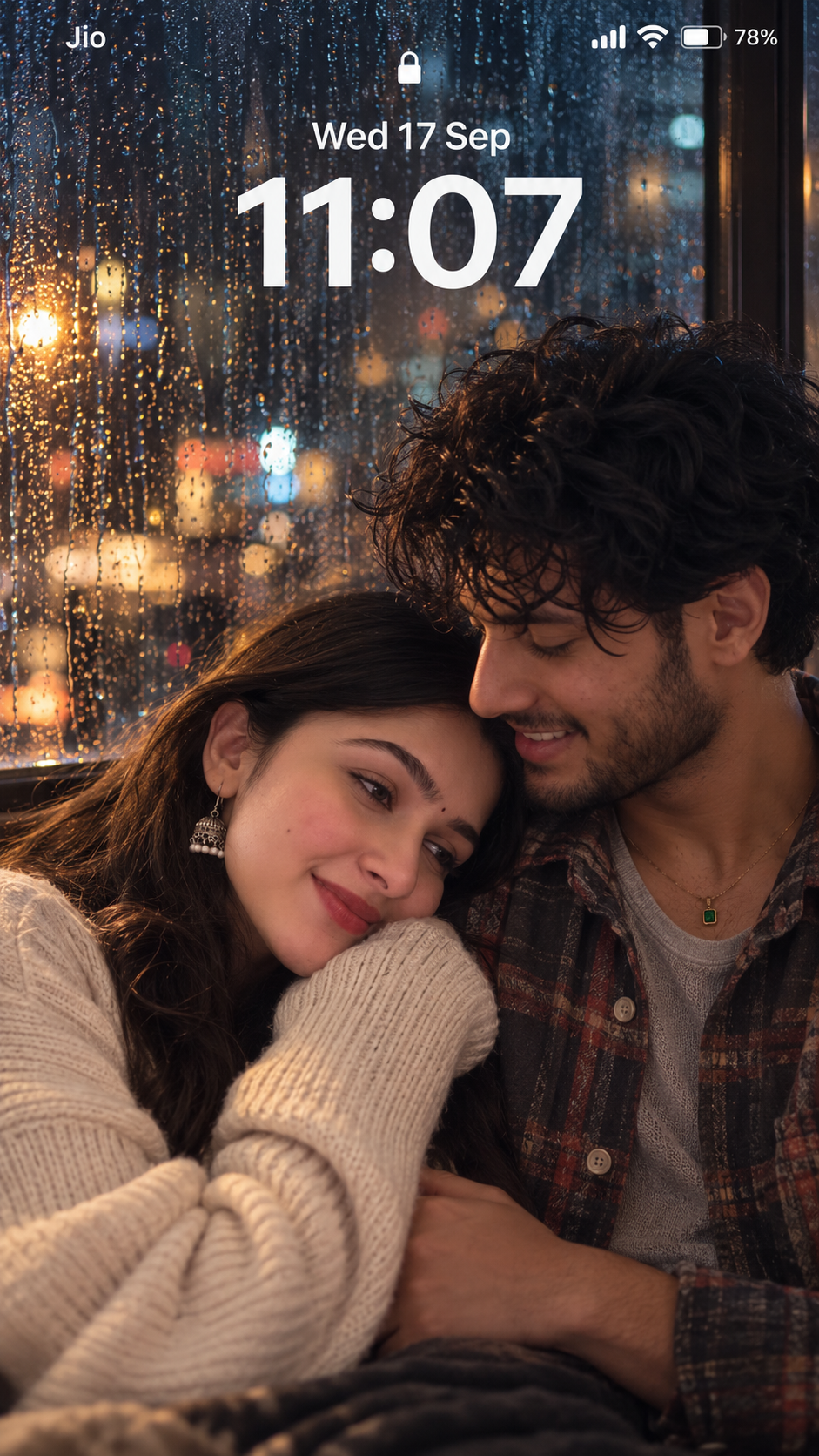
Rainy Window Lockscreen Couple
Image ChatGPT

Rainy Window Lockscreen Couple

Prompt by howtowb VERIFIED
Full prompt
Ultra-realistic close-up portrait photograph, shot on a Sony A7R V with an 85mm f/1.4 lens at f/1.4, extremely shallow depth of field, soft diffused bokeh filling the background. Vertical 9:19.5 phone-lockscreen composition — looks exactly like a real photo set as an iPhone lockscreen wallpaper, complete with authentic UI overlay. Phone UI Overlay: Top-left: carrier name in small white sans-serif text (e.g. "Jio") Top-right: signal bars, WiFi icon, battery icon with percentage, aligned in a row Centered below: date in thin sans-serif (e.g. "Wed 17 Sep") Beneath it: time in large bold white numerals reading "11:07", styled like iOS's native lock screen font, soft shadow so it blends naturally into the photo All UI text sharp and in focus even against the blurred background Scene: A young fictional couple sits close together beside a large rain-streaked window at night, blurred city lights and streetlamp glow scattered outside as soft bokeh. Tight close-up on both faces and upper bodies, foreheads close, both looking toward each other in a candid, unposed moment. Wardrobe: She wears a chunky oversized cream knit sweater, ribbed collar slouched off one shoulder, sleeves pushed past the wrist, hands tucked into the sleeves near her chest. He wears a soft brushed-flannel shirt (charcoal/rust plaid) over a heather-gray thermal, sleeves rolled to mid-forearm, relaxed fit with soft fraying at the cuffs. Pose: She leans her head gently against his shoulder, eyes half-closed, soft content smile, a few damp strands of hair against her cheek. He tilts his head down toward her, eyes softly closed or downcast, one hand resting over hers near his chest. Lighting: Only light source is the rain-streaked window — cool blue ambient wash mixed with warm amber streaks from distant blurred streetlamps, both bleeding softly onto their faces and shoulders. No interior lamp. Gentle falloff, soft shadow on the side turned away from the window. Realism details: Natural skin texture and pores, subtle dampness from the rain, soft under-eye shadows, realistic catchlights reflecting the window's cool/warm mixed light, natural fabric texture (visible knit loops, brushed flannel fuzz). Post-processing: Soft filmic grain, gentle vignette, cool-dominant color grade with warm streetlight accents, subtle bloom around background lights, authentic slightly-soft phone-camera-at-night look. Atmosphere: Cozy, quiet, intimate — a rainy-night-in moment, warm despite the cool light, the kind of candid photo someone would actually set as their lockscreen.
ModelChatGPT
More like this

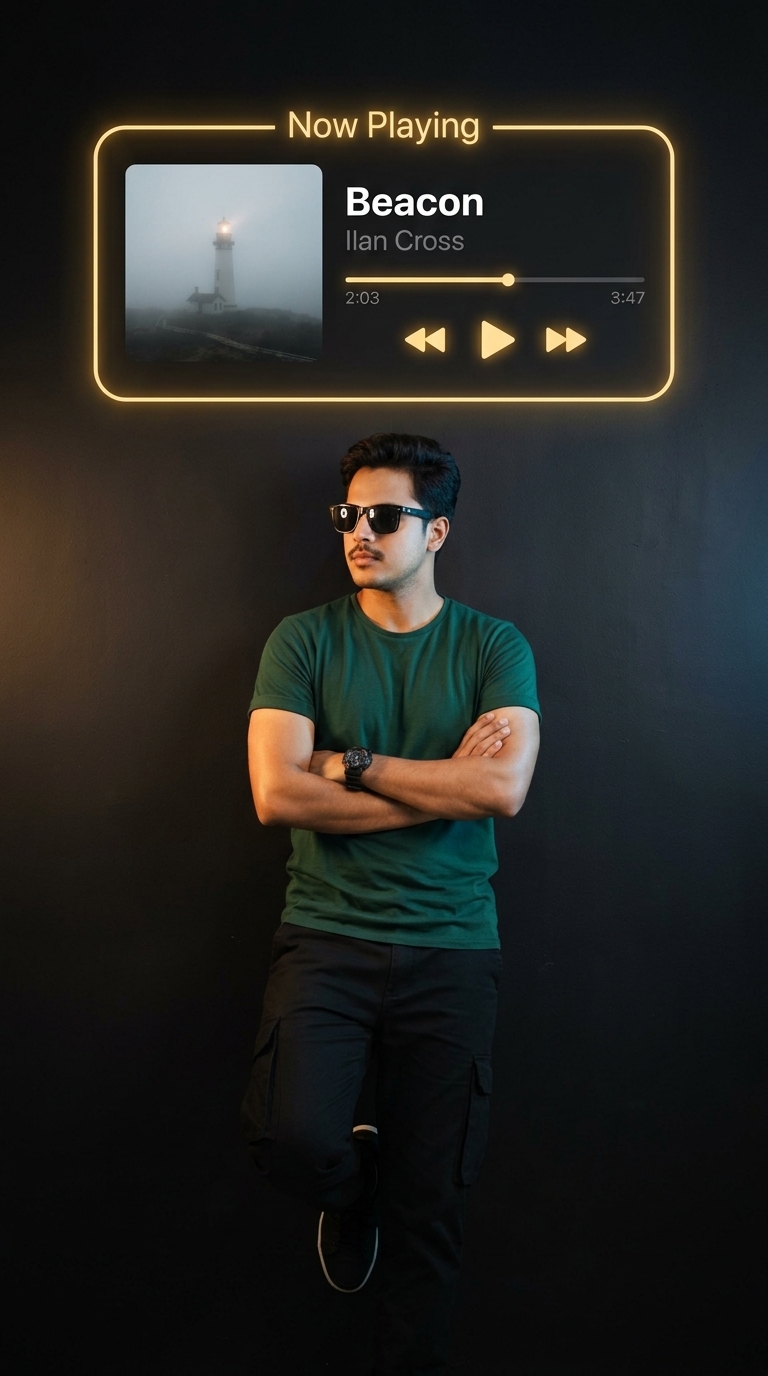
For Black Vibe 🖼️ Image
Nano Banana

For Black Vibe

How to Use the Prompt

1. Copy the Prompt

Click the Copy Prompt button to copy the complete prompt to your clipboard.

2. Choose an AI Image Generator

Open your preferred AI image tool, such as FLUX or Midjourney, and paste the prompt into the image generation field.

3. Generate Your Image

Run the prompt using the default settings first. This gives you a good starting point before making changes.

4. Customize the Result

Experiment with different details such as lighting, colors, clothing, background, camera angle, or mood to create a version that matches your vision.

5. Add Your Own Face

Want to create the image with your own appearance? Upload a clear, front-facing photo to an AI tool that supports image references or identity-preserving features. Then use the prompt together with your reference image.

Recommended Settings

Why This Prompt Works

Detailed prompts give an AI model more visual information to work with. This prompt combines subject details, fashion styling, photographic composition, lighting, and realism cues to establish a clear visual direction.

Rather than relying on a short description, the prompt gives the model multiple elements to interpret together. This can help create images with a more consistent fashion-photography look.

Recommended AI Model

FLUX is a strong choice for this type of photorealistic fashion portrait. It can handle detailed descriptions and photographic elements while maintaining a realistic appearance.

You can also experiment with Midjourney and other modern AI image generators to see how each model interprets the same prompt.

Tips for Better Results

AI-generated portraits can sometimes produce unwanted facial or hand details. If the result isn't quite right, try generating another variation or refine the prompt with more specific instructions.

For full-body compositions, you can also add details describing natural hands, realistic fingers, accurate anatomy, and balanced proportions.

Prompt Variations

Cinematic Look

Add cinematic lighting, golden-hour illumination, shallow depth of field, subtle film grain, and a professional photography aesthetic.

Clean Fashion Look

Try a minimalist background, soft studio lighting, clean composition, neutral colors, and an editorial fashion photography style.

Nighttime Look

Add city lights, neon reflections, nighttime photography, dramatic lighting, and a shallow depth of field for a completely different atmosphere.

Explore More AI Prompts

This prompt fits styles such as realistic, selfie, portrait, fashion, and dark moody. Explore related prompt categories to discover more ideas, copy ready-to-use prompts, and experiment with different AI art styles.