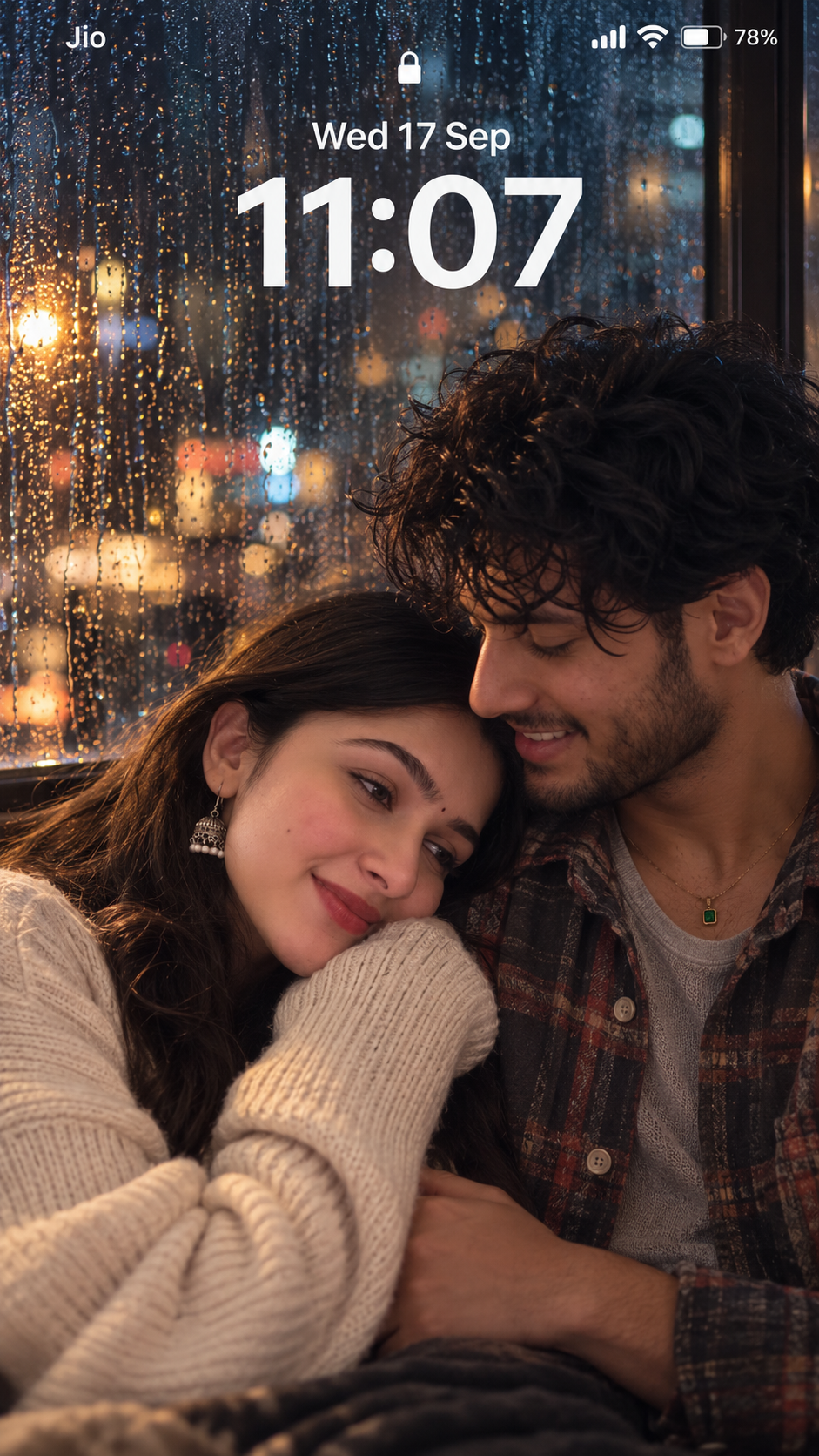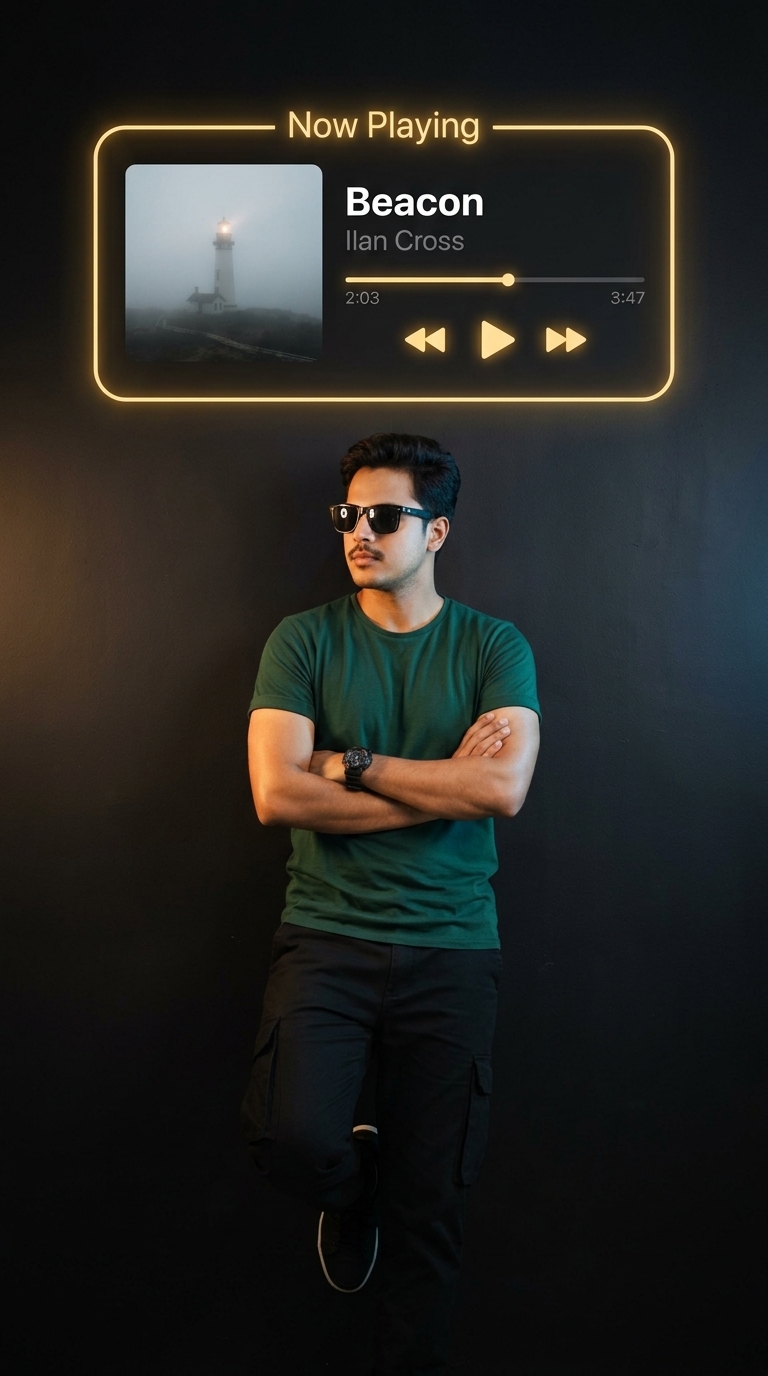
For Black Vibe
Prompt by howtowb
VERIFIED
Full prompt
Ultra-realistic cinematic portrait photograph, shot on a Sony A7R V with an 85mm f/1.4 lens at f/1.4, ISO 800, shallow depth of field with soft natural bokeh falloff. Vertical 4:5 portrait composition. Should read as an authentic professional low-light photograph — not rendered, not digital art.
Music Widget (top third):
A rounded rectangular "Now Playing" card glows softly against a deep matte-black wall, outlined in warm amber-gold neon. The glow diffuses naturally — soft bloom at the edges, faint warm reflection pooling on the wall beneath it, slight unevenness along the neon line for realism rather than a flat vector look.
Album art on the left: a quiet countryside field at night under a wide starry sky, a single old wooden windmill silhouetted against the horizon, faint moonlight brushing the tips of tall grass swaying gently in the breeze. Subtle film grain and a soft vignette give it the look of a real long-exposure night photograph.
Song title "Windfall" in bold white sans-serif to the right, artist name "Casimir Vane" in smaller muted gray beneath. Thin progress bar with a circular scrubber dot, timestamps "1:58" and "4:22". Minimal gold-outlined playback icons below — shuffle, previous, a larger circular pause button with a subtle recessed shadow, next, repeat — plus a heart icon and three-dot menu icon top right.
Setup (no chair, no table):
The subject stands directly beneath the widget against the plain matte-black wall — nothing else in frame, no furniture, no props.
Subject Pose:
Standing at a relaxed diagonal, one shoulder leaning gently against the wall, arms loosely crossed over the torso, one leg casually bent with the foot resting flat against the wall behind. Head tilted downward slightly, then eyes lifted toward the camera, chin low — calm, quietly confident expression with a soft closed-mouth smile, eyes warm and slightly narrowed. The long fabric of the outfit falls straight down with natural creasing, gathering in soft folds near the floor.
Hair falls in loose, slightly undone waves over one shoulder, a few strands tucked behind the ear, individual flyaways catching rim light. Outfit is a floor-length deep mauve or charcoal piece with subtle embroidered or textured detailing, fabric showing natural creasing and soft sheen variation in the drape.
Lighting:
A warm tungsten key light (2700–3200K) from the upper-front-left sculpts the face and upper body with soft, realistic shadow falloff. A secondary cool-toned rim light from behind traces a faint blue-silver edge along the hair and shoulder, separating the subject from the black background. The widget's amber glow adds a third, much fainter ambient wash across the top of the frame. The black background holds faint texture and near-imperceptible tonal shifts rather than flat digital black — no other props or decor in frame.
Post-Processing:
Fine consistent film grain (ISO 800–1600 equivalent), natural lens vignette, subtle chromatic aberration along the neon's brightest edges, warm-cool contrast color grade — golden highlights against deep, detail-retained shadows with a cool undertone in the darkest corners.
Atmosphere:
Quiet, intimate, cinematic — like a still from a moody late-night shoot, lit only by one warm lamp, one cool rim light, and a glowing screen in an otherwise pitch-black room.
ModelNano Banana